Outsource your Stack Documentation
Learn More

Product Overview
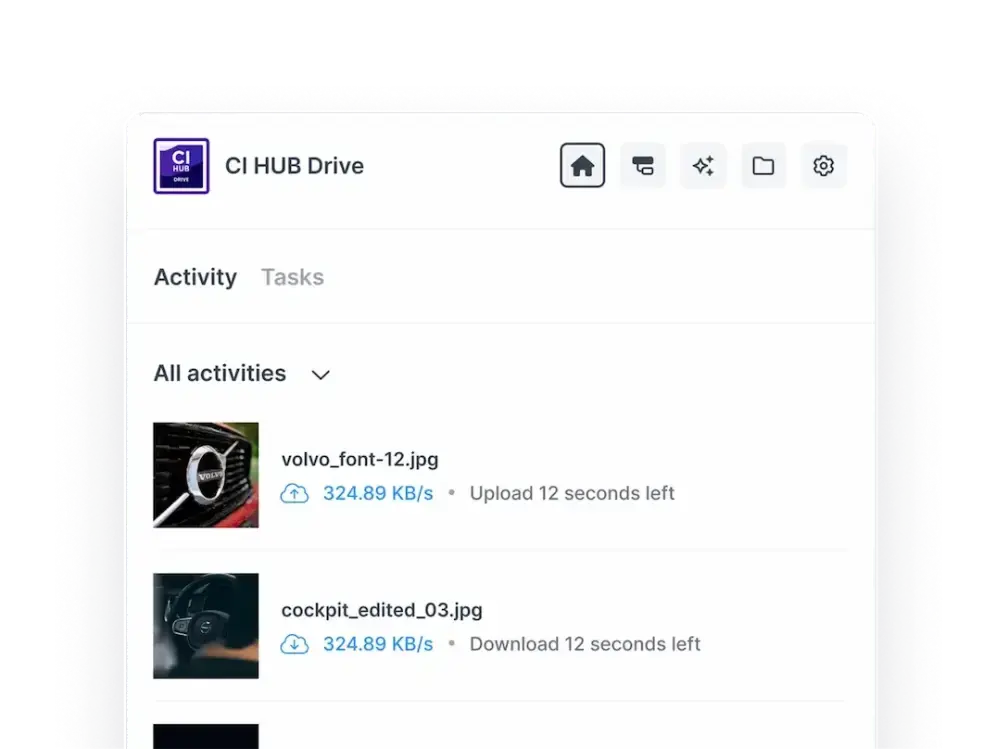
Desktop-level DAM integration via MacOS Finder, enabling instant access, file synchronization, and permission-based content management without additional training.
CI HUB Drive is a desktop connector that integrates digital asset management (DAM), product information management (PIM), and cloud storage services directly into your computer’s file system. It enables users to access, organize, and manage digital assets seamlessly from the desktop without multiple logins or platform switching. With real-time synchronization, drag-and-drop functionality, advanced search, and permission controls, it streamlines workflows and enhances team collaboration. CI HUB Drive boosts asset adoption by making content management intuitive and efficient, supporting various platforms like Google Drive, SharePoint, and Adobe Creative Cloud through its seamless integrations.
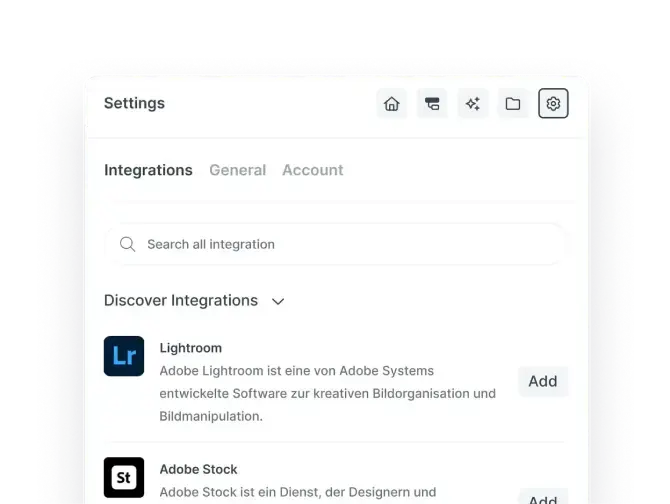
CI HUB Drive's key differentiator is its extensive integration ecosystem, connecting not only DAMs but also PIMs, cloud storages, and work management tools in a seamless way. Unlike many competitors, CI HUB supports a broader range of platforms, including Adobe Creative Cloud, Microsoft 365, Google Workspace, Figma, Salesforce Marketing Cloud, and others. Its real-time multi-threaded file sync, desktop-native experience, and permission-based access control optimize workflows efficiently. Additionally, CI HUB Drive offers AI capabilities, single sign-on (SSO), and print service integration, making it a comprehensive, versatile solution that connects content and tools across an organization, not just a DAM connector.
Credit Card Not Required
No Auto subscribe after free trial
Trial Period: 1 Month
Learn More →CI HUB Drive ensures complete data protection through GDPR-compliant processes and enterprise-grade security. All data is encrypted in transit and at rest, with strict access controls and authentication measures to prevent unauthorized use. The platform follows data minimization and retention best practices, ensuring user information is handled transparently and responsibly. CI HUB Drive also works only with trusted, compliant partners, maintaining full alignment with European data privacy and security standards.
https://ci-hub.com/legal/privacy-policyTo install CI HUB Drive on your Mac, begin by downloading the installer from the official CI HUB website. Open the installer and follow the on-screen prompts to complete the installation process. Then, navigate to System Settings, under Privacy & Security, and grant Full Disk Access to CI HUB Drive by adding it to the list from the Applications folder. Once installed, launch CI HUB Drive from your Applications or Launchpad, where it will appear in your menu bar. When prompted, log in with your CI HUB credentials to activate the connector. You can then add connections by searching for and selecting the desired service, after which a confirmation pop-up will indicate a successful connection. This straightforward setup integrates CI HUB Drive seamlessly with your system
No technical expertise required
Instant


Marketing Function Integration, Productivity
For Use ByCompany Type B2B, B2C, NPO, GOV, AGN, CST, CMA
Company Size Any size
Geographic Scope Multi-national
Market/Industry Specialization Business Software & Services
Startup Friendly Yes
Current / Past Customers CIDCOM, PureRED, Ansira
 Sign in with LinkedIn